How Bigshot works
Each part of Bigshot in more detail: how Code Lens finds code, what an agent does through the MCP server, where a Project keeps its captures, and what an Agent Run leaves behind.
Code Lens
Code Lens — find the code behind what you see
Select part of your app and Code Lens labels each component with its file and line. Click a label to open that line in your editor.
Compiled or not. It reads the screen, not the binary, so a Swift or Rust app works the same as a script.
Select part of your app. Every component in it gets a label with its file and line.
Hold the loupe over any text. It shows the line of source that puts it on screen.
Coming soonChange the words on screen and the string changes on its source line.
MCP server
One MCP call, step by step
Claude Code asks for a screenshot in words. Bigshot ranks the Project’s captures, returns the closest, then answers which component renders it.
In Claude Code or Codex, in your Project's folder: use Bigshot to find my screenshot of the pricing page. The agent turns that into a call to Bigshot's MCP server.
search_screenshots query: "pricing page"The call reaches the running app on your Mac. On every call it checks that the MCP server is on, finds the Project for the agent's folder, and checks that the Project is included. If not, the agent gets the reason instead.
folder acme-pricing → Project AcmeOnly the screenshots listed in the Project's .screenshots/index.json. It looks for the words in each one's on-screen text, note, tags, app and address, then for screenshots that look like a pricing page if the image model is installed.
.screenshots/index.json · 9 of 12 sharedThe best matches go back to the agent: each one's path, when it was taken, its tags and note, and why it matched. With nothing that fits, the agent hears that too.
why: contains “pricing” in its text: “Simple pricing”The agent asks for the code behind that screenshot. Bigshot's Code map matches its text to the components that render it and returns the file and lines, so the agent opens the right place first.
PricingPage src/app/pricing/page.tsx:8-27
Projects
Projects — on the island and in the repository
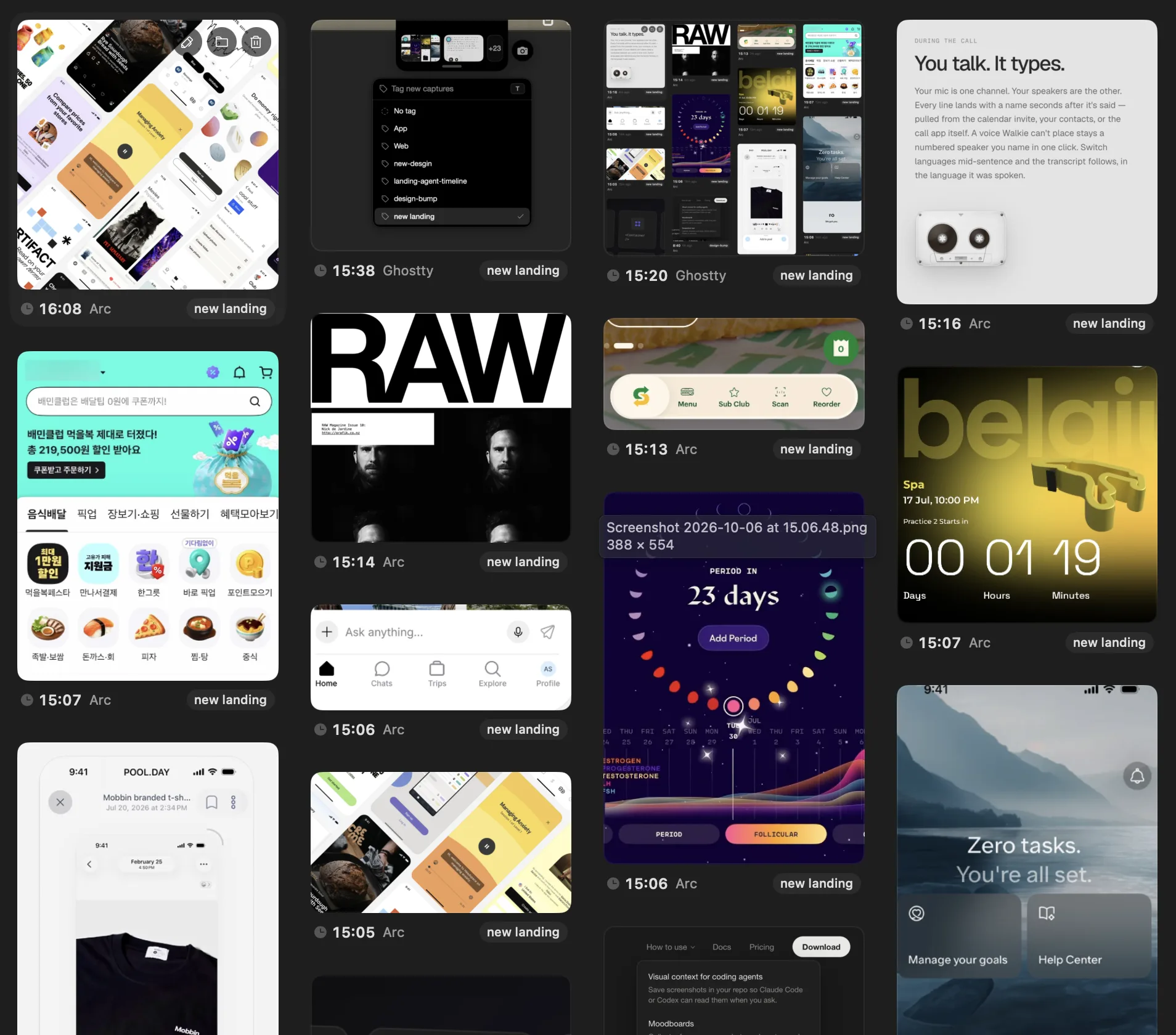
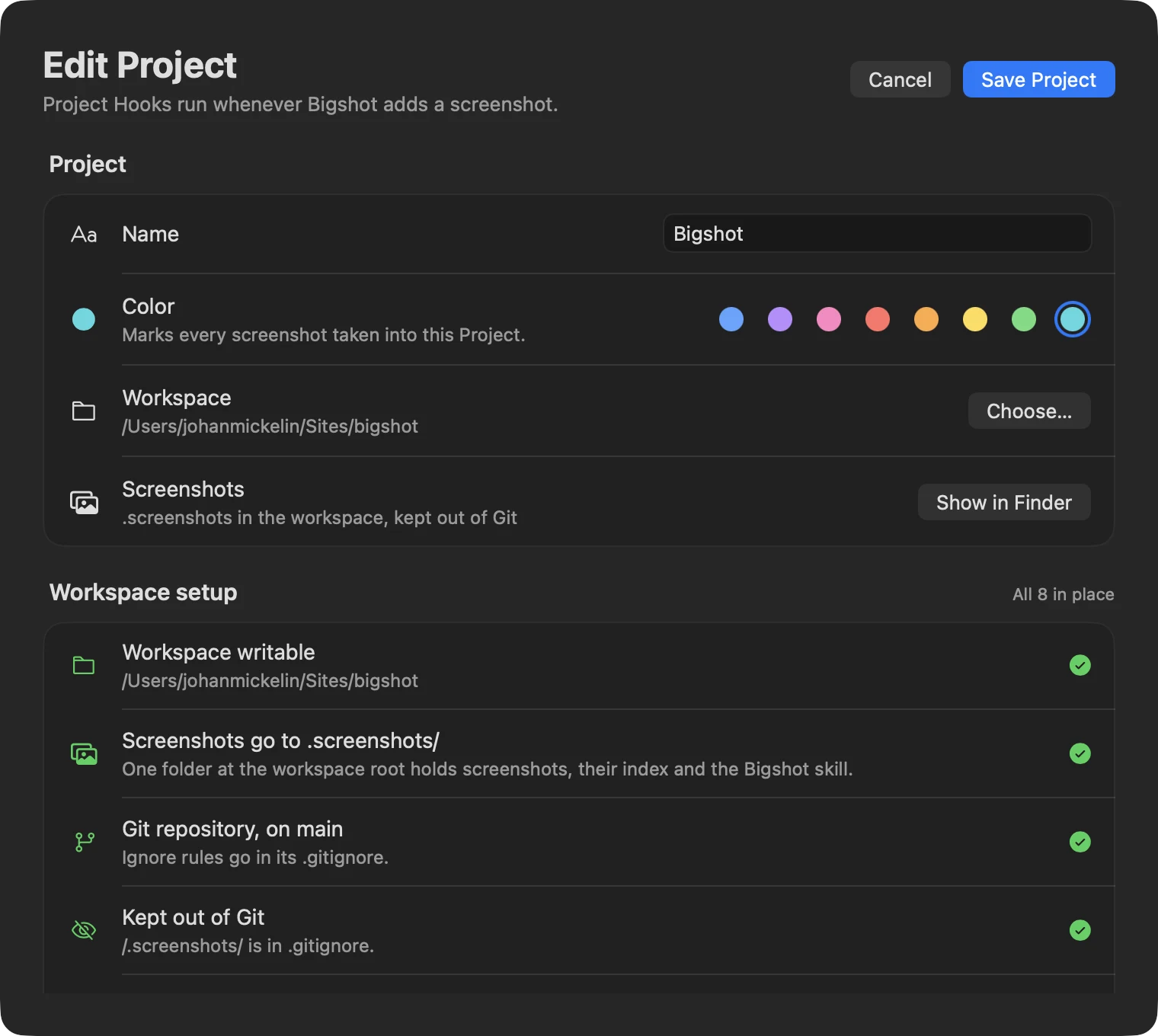
The active Project decides where the next capture is saved, which code Code Lens reads and what the MCP server shares.
- Every capture lands in a ProjectPick the Project above your recent captures, and the next capture goes to its repository.
- Switch ProjectHover the notch and press one key to switch the Project, the tag, or the capture mode.Tag new capturesT1No tag2checkout3new landing4onboardingPProjectTTagMModeCSLAIROH
- In your repositoryCaptures go to the Project’s .screenshots folder, with an index your agent can read.
- Kept out of GitBigshot checks the workspace for you: a Git repository, the folder ignored, the index in place.
Inline Agent
Inline Agent — run agents on top of your UI
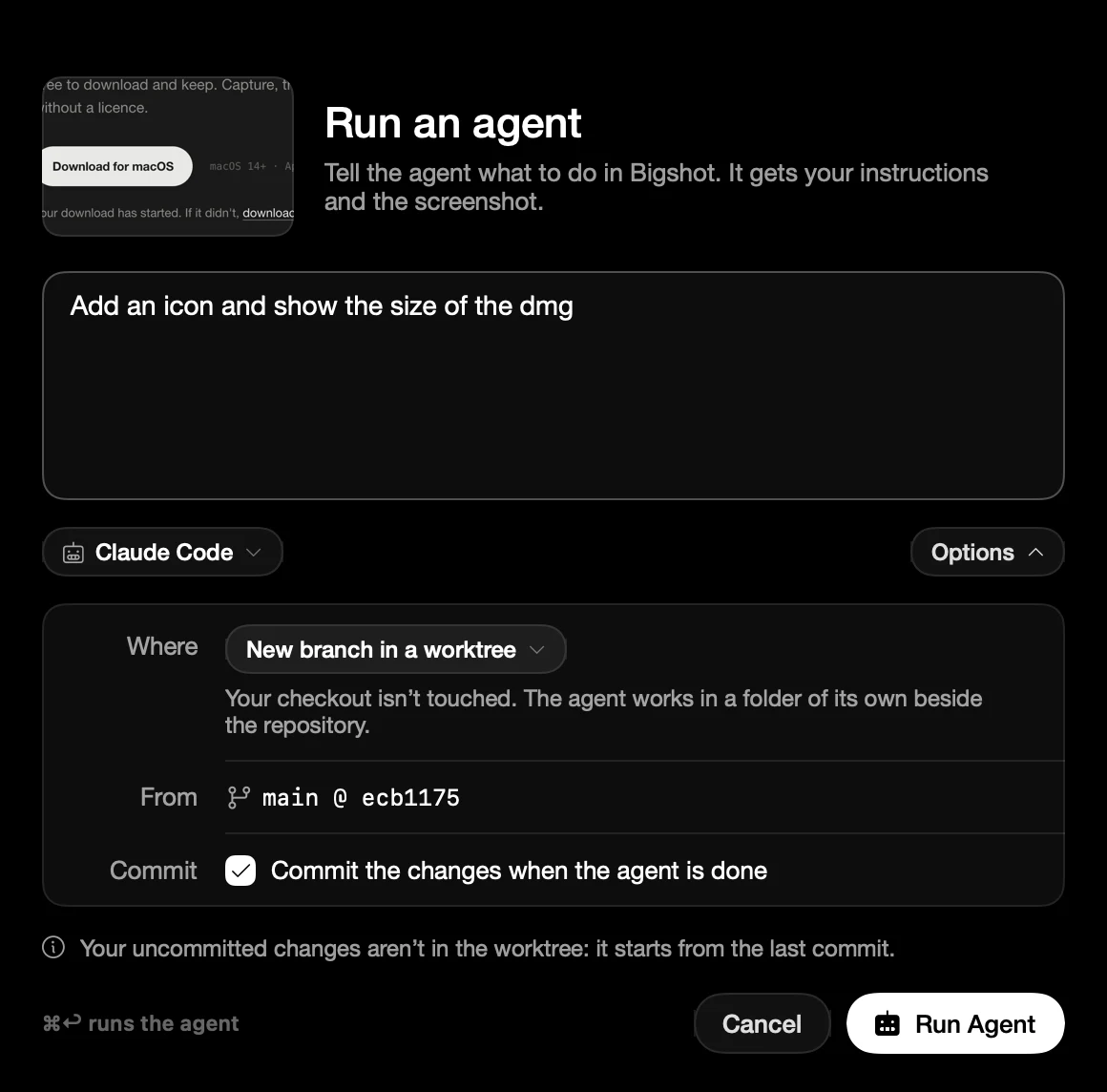
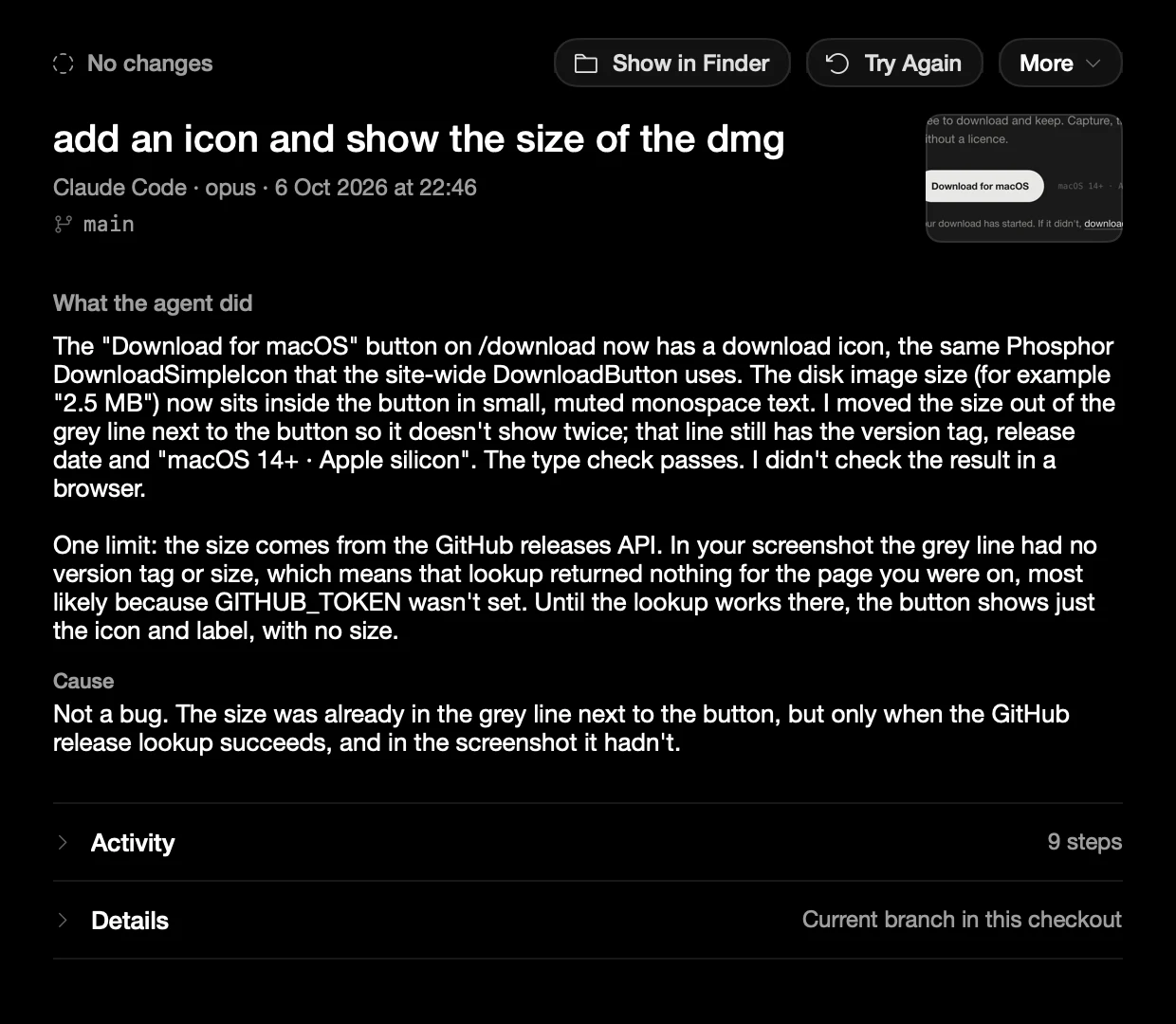
Select the problem on screen and say what to change. The agent starts with the screenshot, the matching code and the Project attached, and works on a branch of its own.
- Select it, say it, run itThe agent gets your words, the screenshot, and the code Code Lens matched.
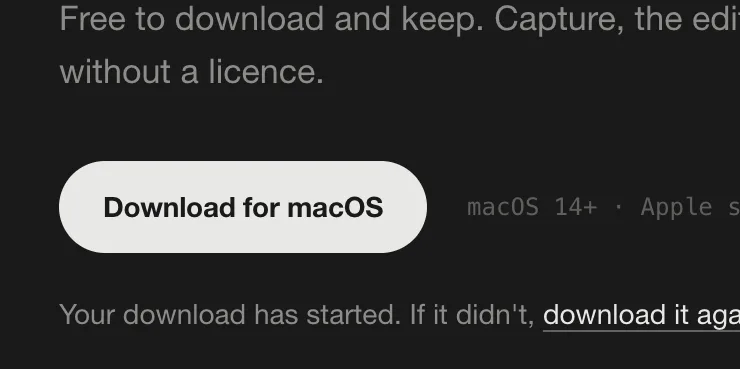

Run an agent
It gets your instructions and the screenshot.
Add an icon and show the size of the dmg
Claude CodeOptionsRunning✓Done · 1 commit
Add an icon and show the size of the dmg
Claude Code · bigshot/agent-dmg-size
- Readapp/download/page.tsx
- Editapp/download/page.tsx+6 −2
- Runpnpm typecheck
- Commita41c9e2 Show the dmg size
- A branch of its ownThe agent works in a worktree beside your repository. Your checkout isn’t touched.
- What the agent didEvery run is kept with its request, its answer and its branch. Bigshot never pushes or merges.
Capture
Capture — the screenshot toolkit
Capture, mark up, redact and measure, keep what you copy, frame and export, all from the island under the notch.
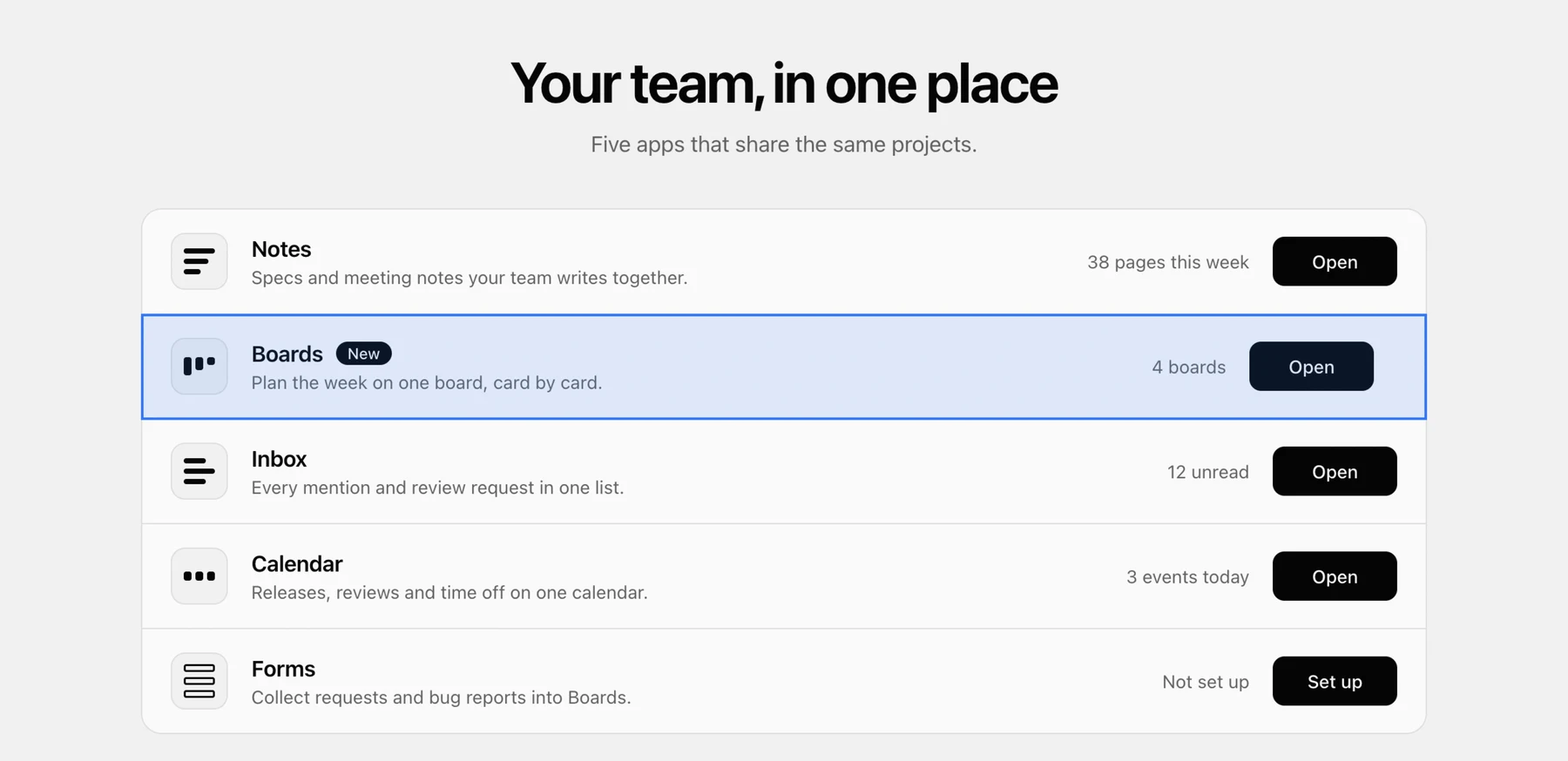
- Smart selectionSnaps to the window, panel, or row under the pointer, so there is nothing to crop.
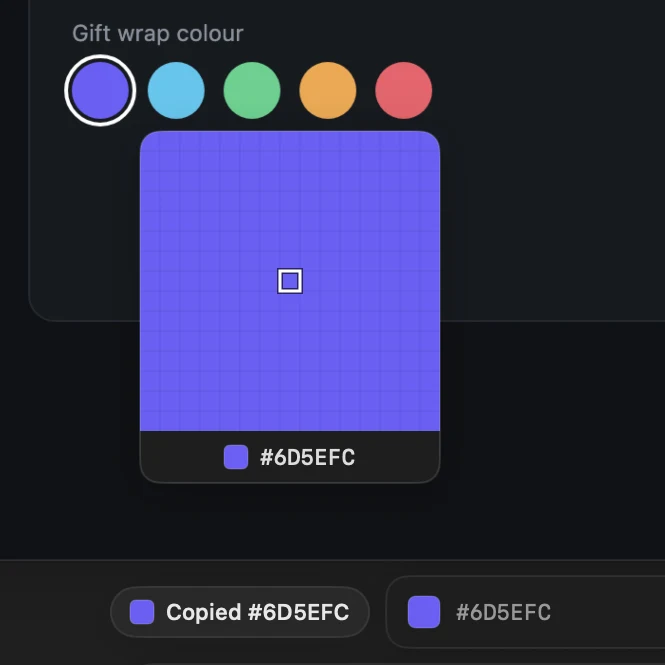
- Colour PickerAny pixel’s colour, copied as HEX, RGB, HSL, or OKLCH.
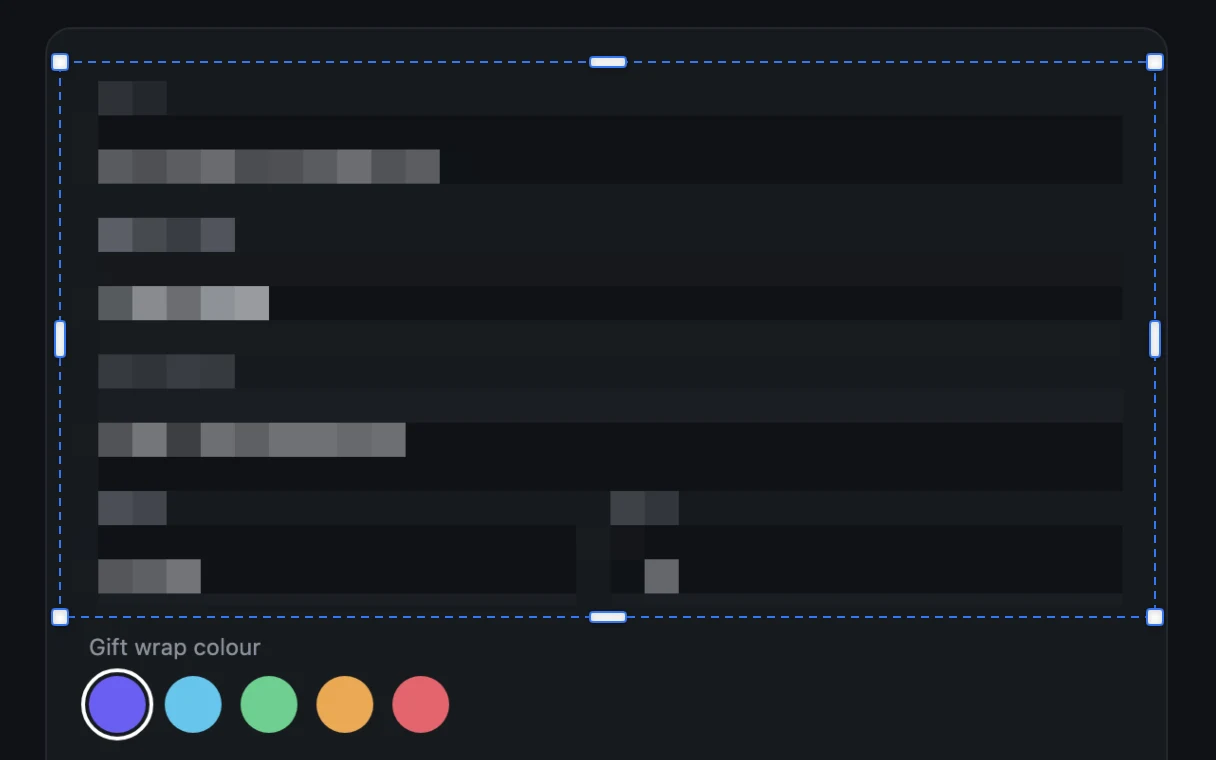
- RedactionPixelate or blur what should stay private.
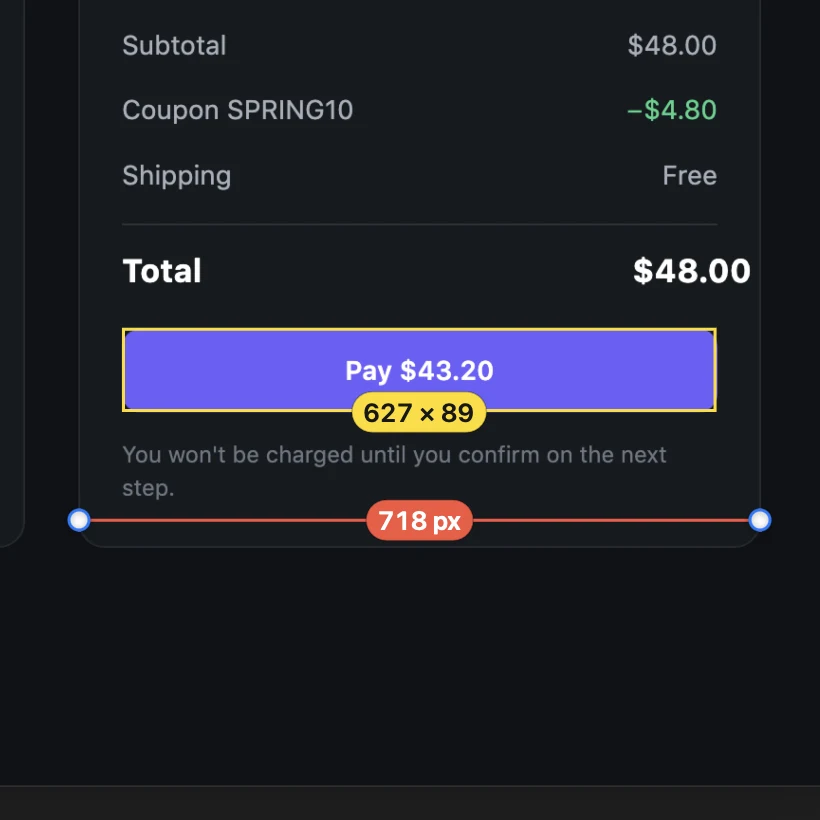
- MeasurementsDistances and sizes in pixels.
- MoodboardsTag what you capture, and every capture under the tag becomes one board.