How to use Capture Moodboards
Moodboards your agent can read.
Tag the screenshots you collect while you browse. When you build, ask Claude Code or Codex to use the tag. It already knows where the files are.
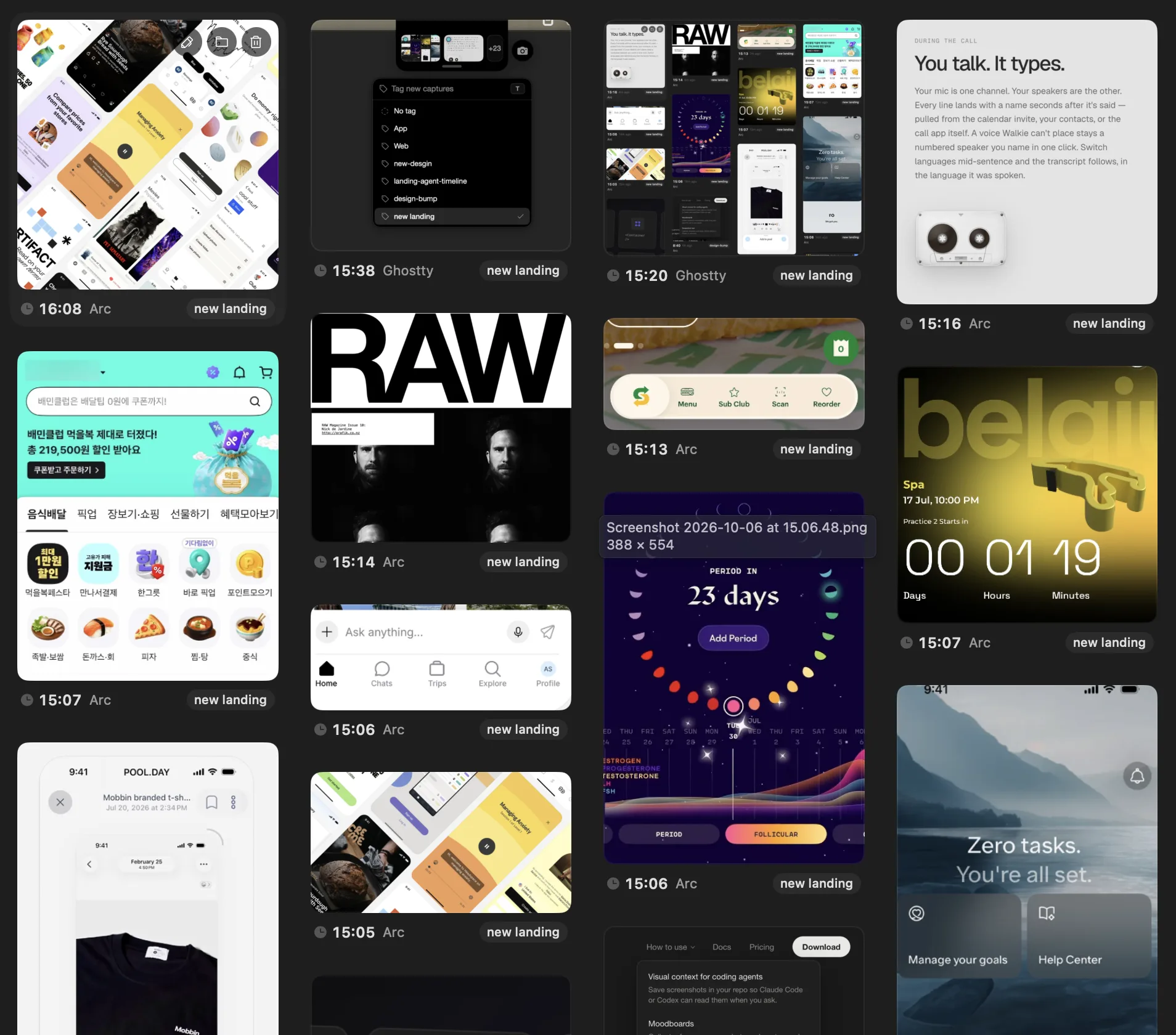
Moodboard workflow
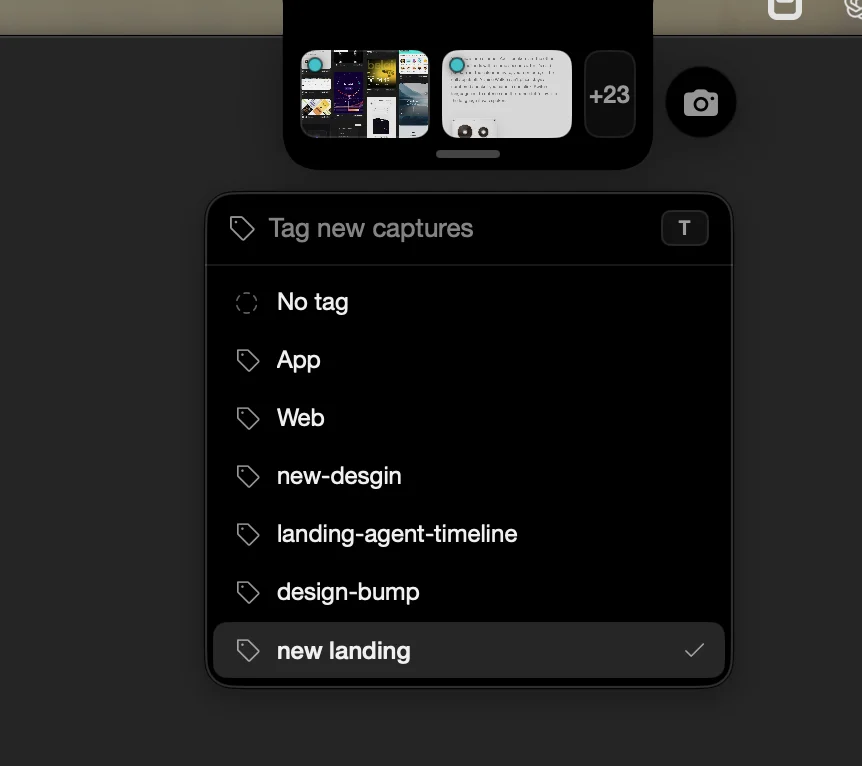
Create a tag
Expand the island, open the tag pill, type a name and press Return. Every new capture gets the tag until you change it.
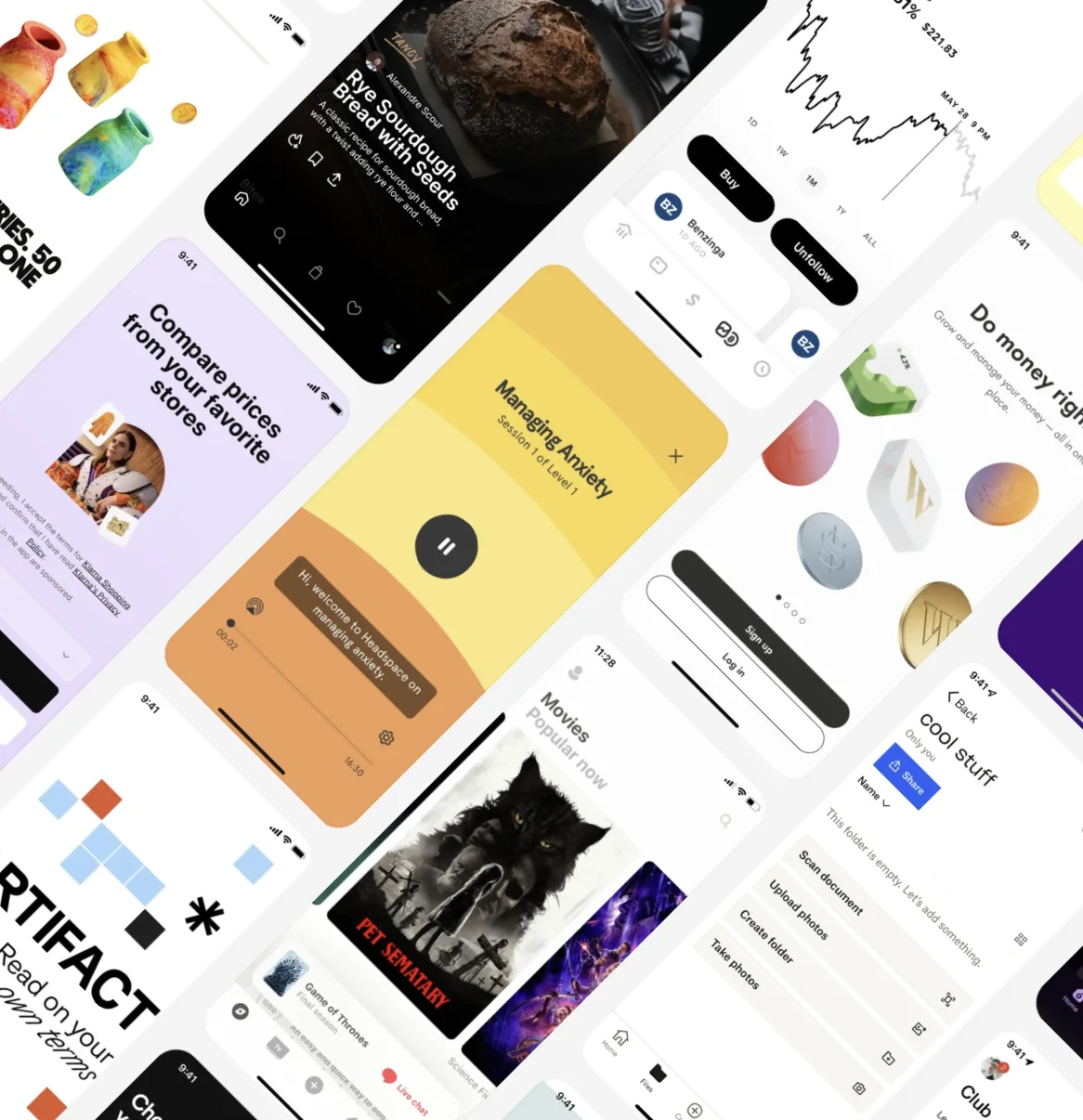
Capture as you browse
Smart capture takes the card or panel under the pointer. Area takes what you drag out. Each one lands on the board with the app it came from. Shortcuts
Prompt your agent
Ask in your own words. The agent reads the index in
.screenshots/, finds the tag, and opens the images with your notes, then starts building.
Example queries
Use the screenshots tagged moodboard as reference for the new pricing page.
Pull the colours from the moodboard screenshots into our theme tokens.
Which of the screenshots tagged onboarding have the shortest sign-up?
Start a board.
Download BigshotMoodboards need a licence and a Project with a repo.