How big should a screenshot be for Claude? Image tokens explained
Every screenshot you give Claude, in Claude Code or through the API, costs tokens and is scaled to fit the model's limits first. Knowing the rule explains why a full-screen capture of a bug often works worse than a cropped one.
How Claude counts an image
Claude reads an image in 28 × 28-pixel patches. Each patch is one visual token, so an image costs:
tokens = ⌈width / 28⌉ × ⌈height / 28⌉Each model also has a ceiling. Anything bigger is scaled down, keeping its proportions, until it fits:
| Tier | Models | Longest edge | Most tokens per image |
|---|---|---|---|
| High-resolution | Claude 4.7 and later | 2576 px | 4784 |
| Standard | Earlier models | 1568 px | 1568 |
Source: Anthropic's vision documentation.
What typical Mac screenshots cost
Mac screenshots are taken at the display's pixel size, which on a Retina screen is twice the size the interface is laid out in. Here is what common captures come to, using the rule above:
| Screenshot | Pixels | High-resolution: sent as | Tokens | Standard: sent as | Tokens |
|---|---|---|---|---|---|
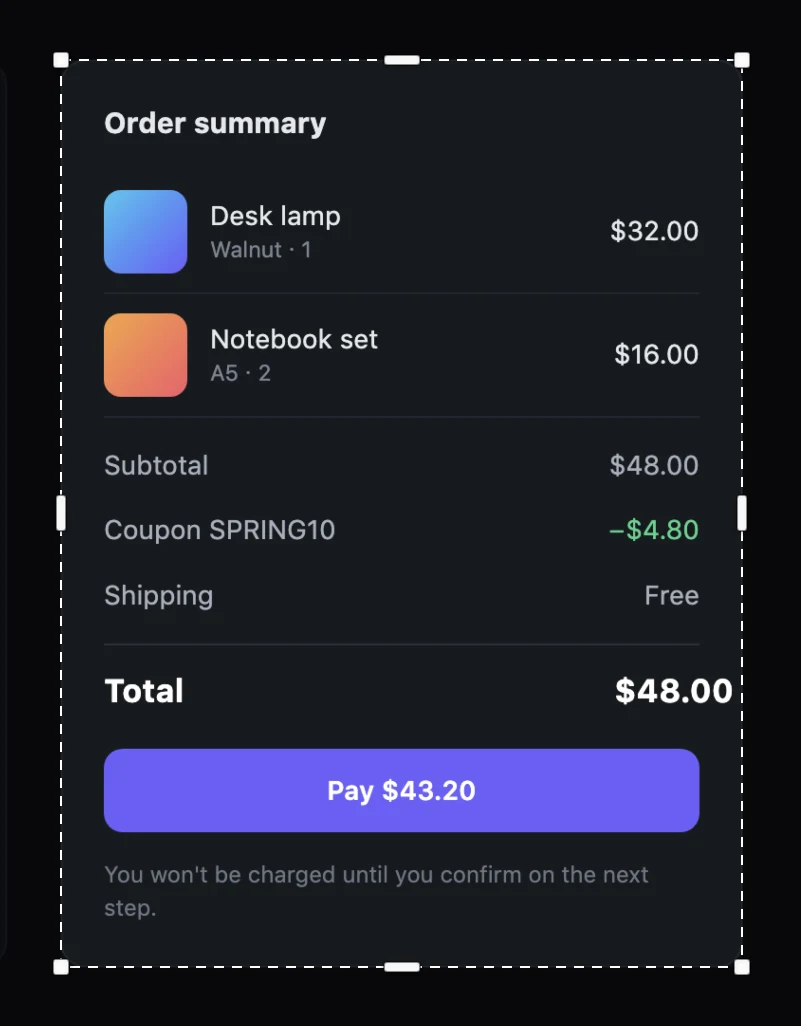
| A cropped panel (400 × 250 pt) | 800 × 500 | not resized | 522 | not resized | 522 |
| One window (1280 × 800 pt) | 2560 × 1600 | 2419 × 1512 | 4698 | 1389 × 868 | 1550 |
| Whole 14-inch MacBook Pro screen | 3024 × 1964 | 2380 × 1546 | 4760 | 1372 × 891 | 1568 |
| Whole 16-inch MacBook Pro screen | 3456 × 2234 | 2383 × 1540 | 4730 | 1372 × 887 | 1568 |
| Whole 5K display | 5120 × 2880 | 2576 × 1449 | 4784 | 1456 × 819 | 1560 |
Two things stand out:
- A full screen costs about nine times a cropped panel on a high-resolution model, and gets no more detail about the bug.
- On standard models a full Retina screen is shrunk to under half its width. Body text that was 13 points on screen arrives a few pixels tall. The model may not be able to read the exact error message you captured it for.
Crop instead of shrinking
Anthropic's own advice for images with important text is to make sure the text is legible, and to crop or resize before sending rather than let the image be scaled down. For screenshots that means:
- Capture the region, not the screen. An area or a single window keeps text at full size.
- Keep some context. Crop to the problem plus enough around it to place it: the panel, not just the button. The docs warn against cropping out context only to make text bigger.
- Use one image per problem. Two cropped screenshots cost less than one full screen and are easier to refer to.
- Prefer PNG for UI. Heavy JPEG compression blurs small text.
Many screenshots in one conversation
Images stay in the conversation, and each turn sends the history again, so a session with a dozen full-screen captures carries tens of thousands of image tokens. Cropped captures keep long sessions cheaper. There are also request limits: above 20 images in one API request, each image must be at most 2000 px on a side.
In practice
| You want Claude to | Capture |
|---|---|
| Read an error message | The dialog or the terminal pane |
| Fix spacing or alignment | The component, plus a little around it |
| Understand a page layout | The window; one capture |
| Compare two states | Two crops of the same region |
Bigshot is built around this: area, window and Smart capture (with a licence; it snaps to the panel under the pointer) give you the region rather than the screen, and the editor crops to the problem before you drag it into Claude Code. See also How to paste a screenshot into Claude Code.
More from the blog
How accurate is Code Lens? Benchmarks on 20 stacks, and EmbeddingGemma 2 on a Mac
Code Lens opens the line that puts on-screen text there for 82% of lines across 20 app stacks, against 34% for grep. What EmbeddingGemma 2 adds, how fast it runs on an M1 Pro, and where it doesn't help.
How to paste a screenshot into Claude Code on a Mac
Control-V, not Command-V. The four ways to get a screenshot into Claude Code on macOS, which one to use when, and how to make the image worth reading.
Save screenshots in your repo so Claude Code and Codex can find them
Instead of pasting screenshots into every conversation, keep them in the project with an index the agent reads. How it works, what the index holds, and how to keep it out of Git.